You haven't signed in yet, you can have a better experience after signing in
*Please complete the payment within {{receiveCouponInfo.expire_at}}Previous use*
You haven't signed in yet, you can have a better experience after signing in




Activity Rules
1、Activity time:{{ info.groupon.start_at }} ~ {{ info.groupon.end_at }}。
1、Activity time:cease when sold out。
2、Validity period of the Group Buying:{{ info.groupon.expire_days * 24 }} hours。
3、Number of Group Buying:{{ info.groupon.need_count }}x。
Please Pay Attention
1、Teamwork process: Join/initiate a Group Buying and make a successful payment - Within the validity period, the number of team members meets the activity requirements - Group Buying succeeded!
2、If the number of participants cannot be met within the valid period, the group will fail, and the paid amount will be refunded in the original way.
3、The number of people required and the time of the event may vary among different products. Please pay attention to the rules of the event.
IObit Uninstaller 16 Pro - Professional Uninstaller Tool
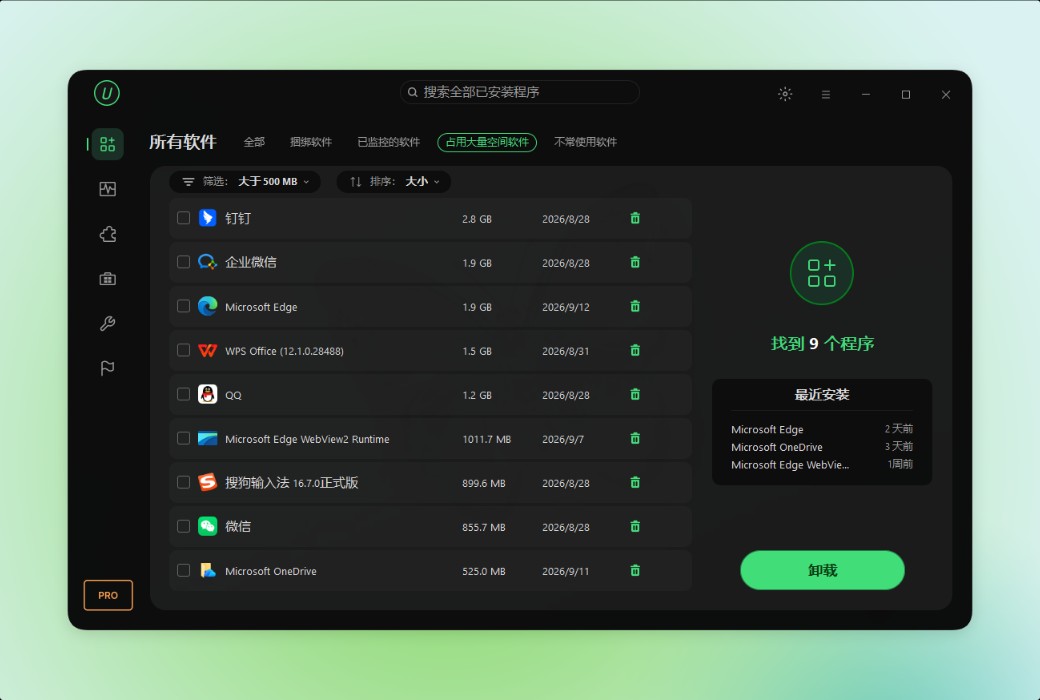
IObit Uninstaller thoroughly uninstalls unwanted programs, bundled software, browser extensions, and Windows apps, leaving no remnants - keeping your computer clean and running smoothly.
A Clean and Effortless Computer
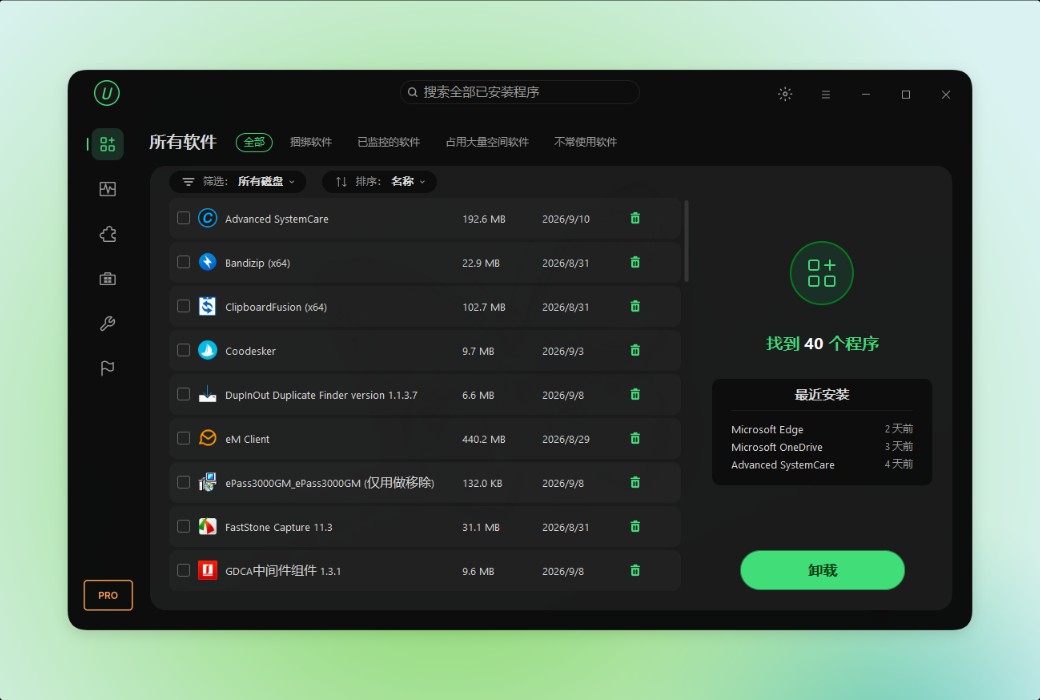
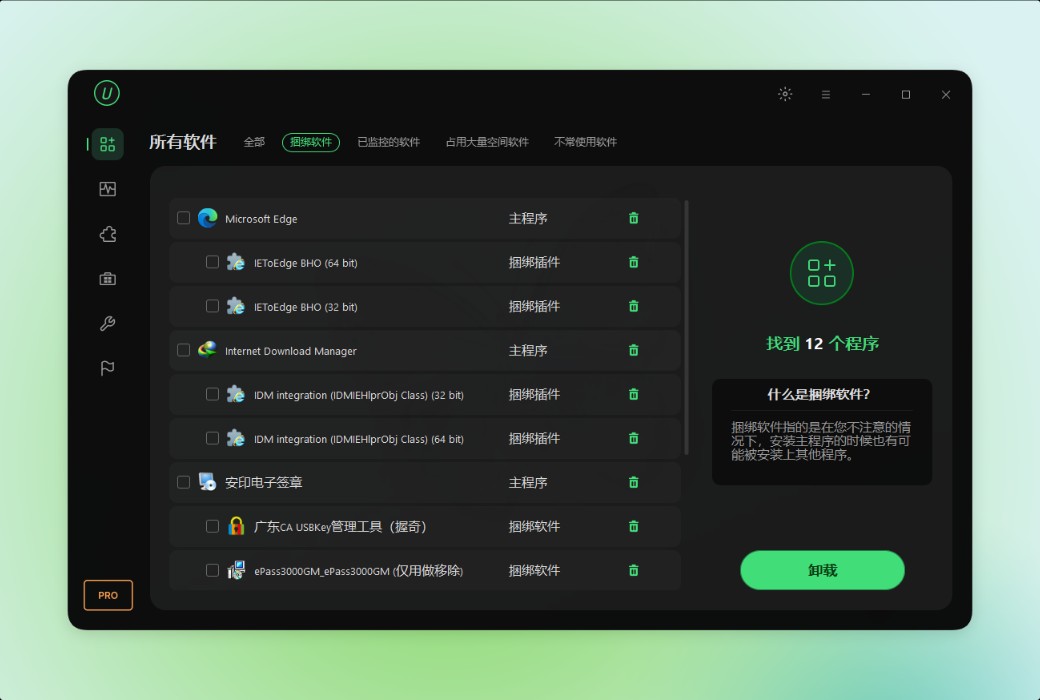
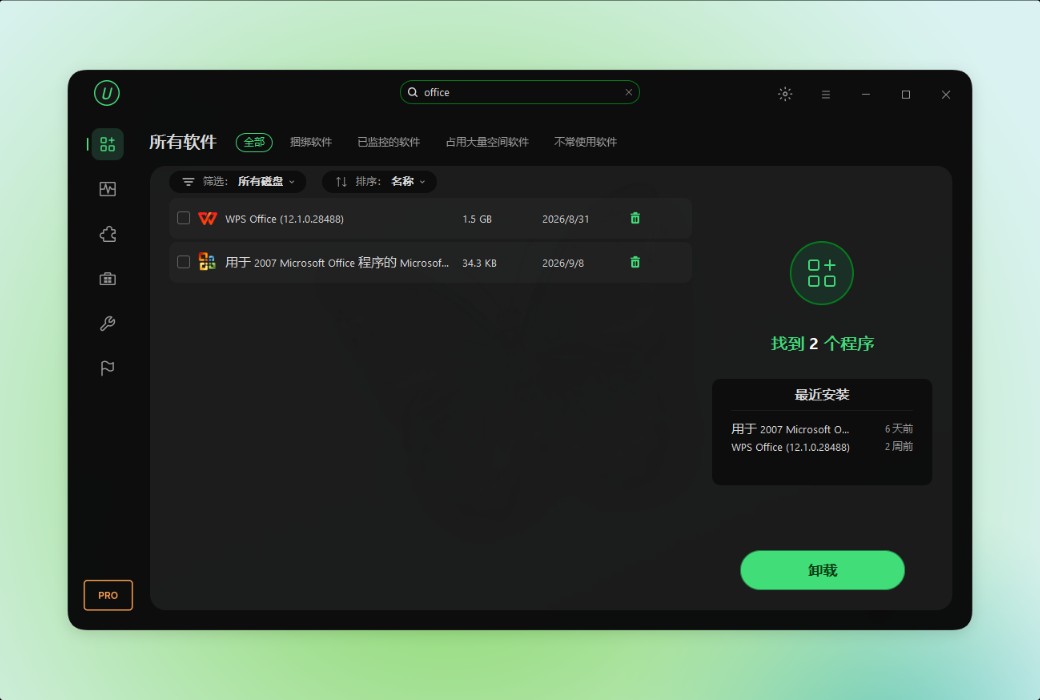
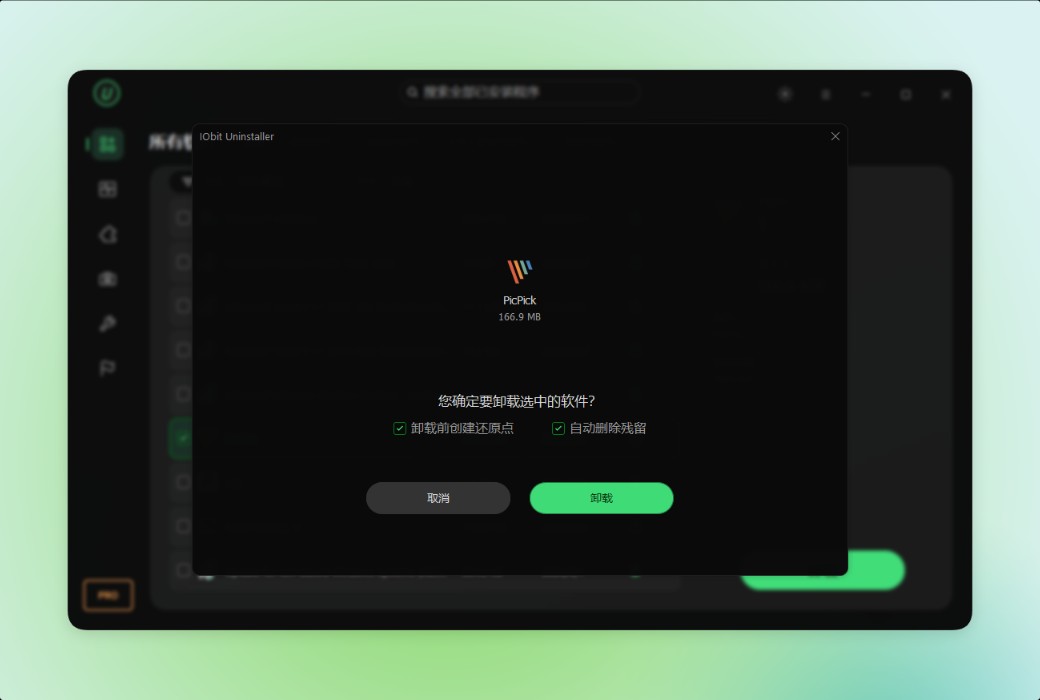
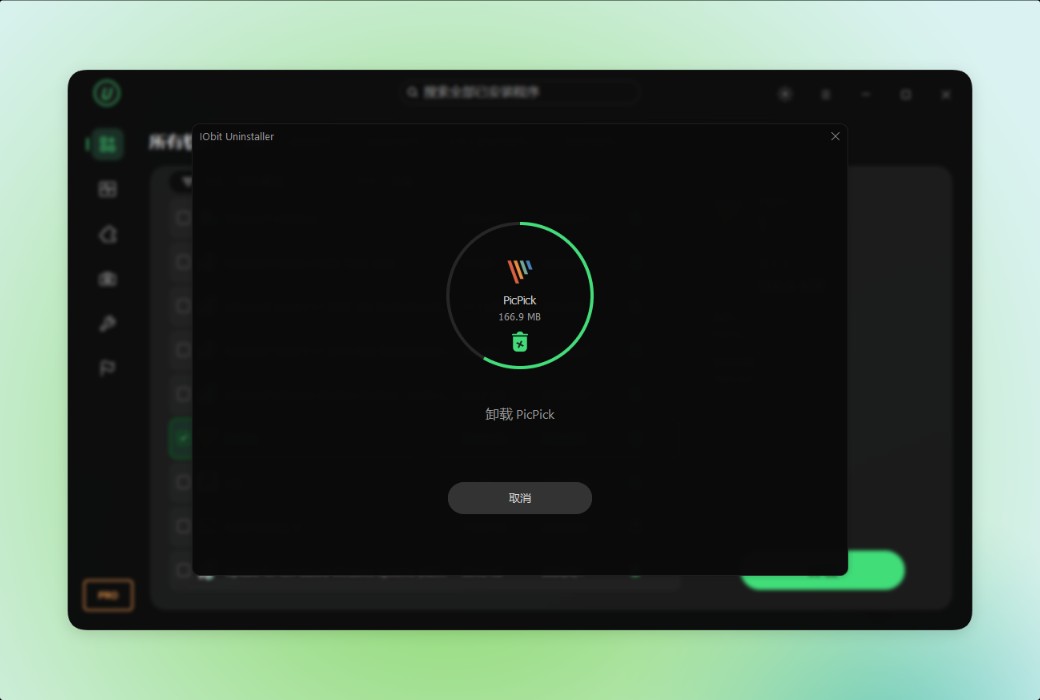
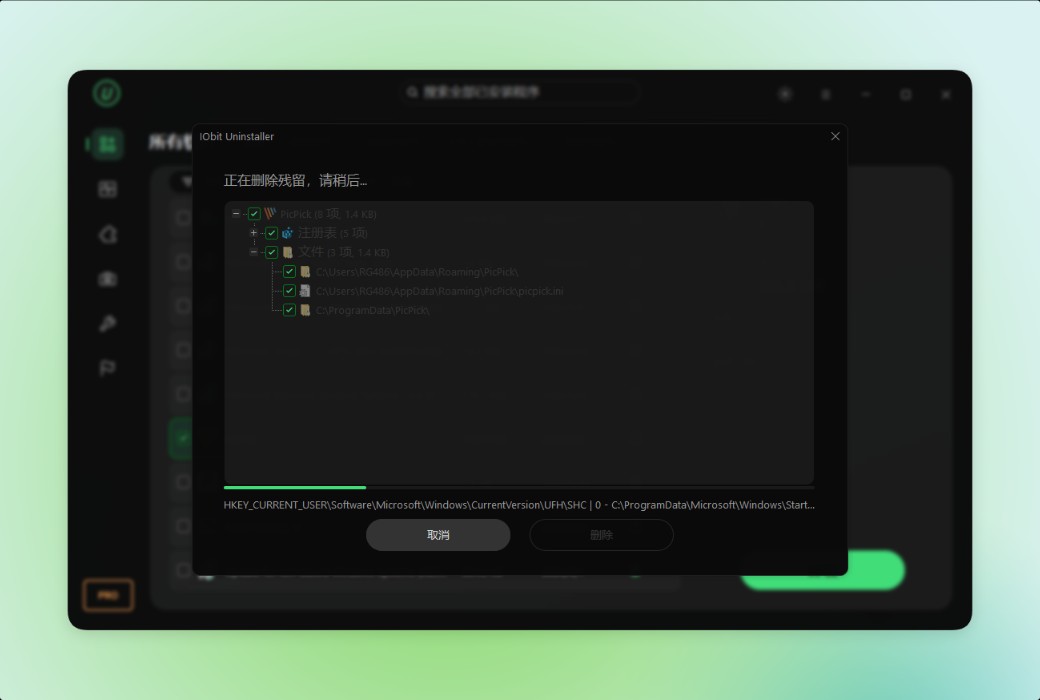
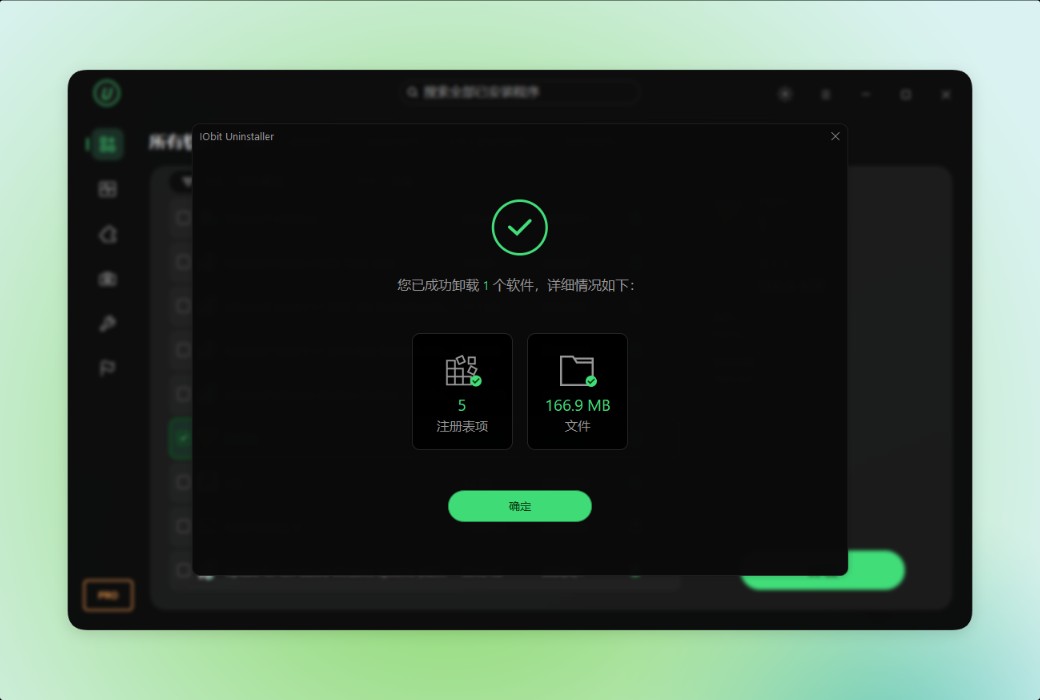
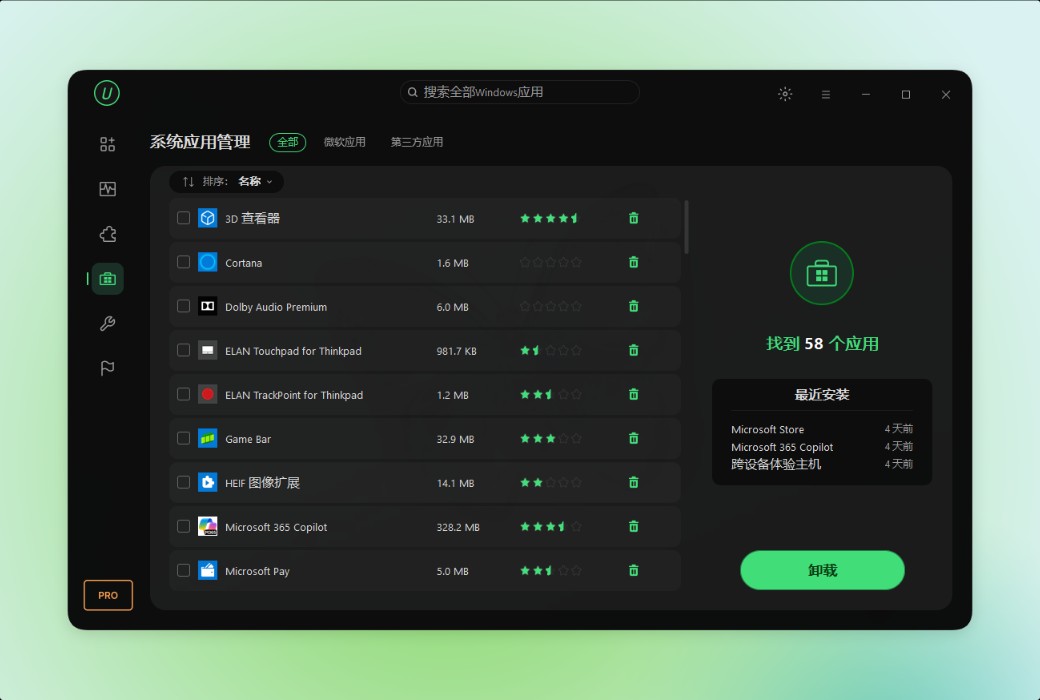
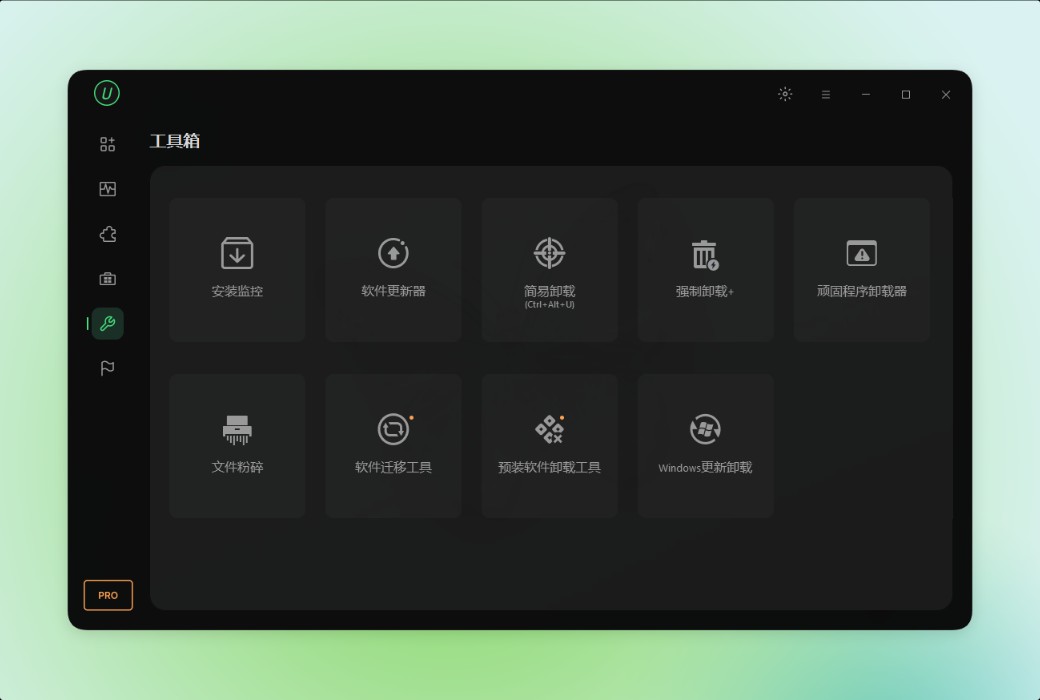
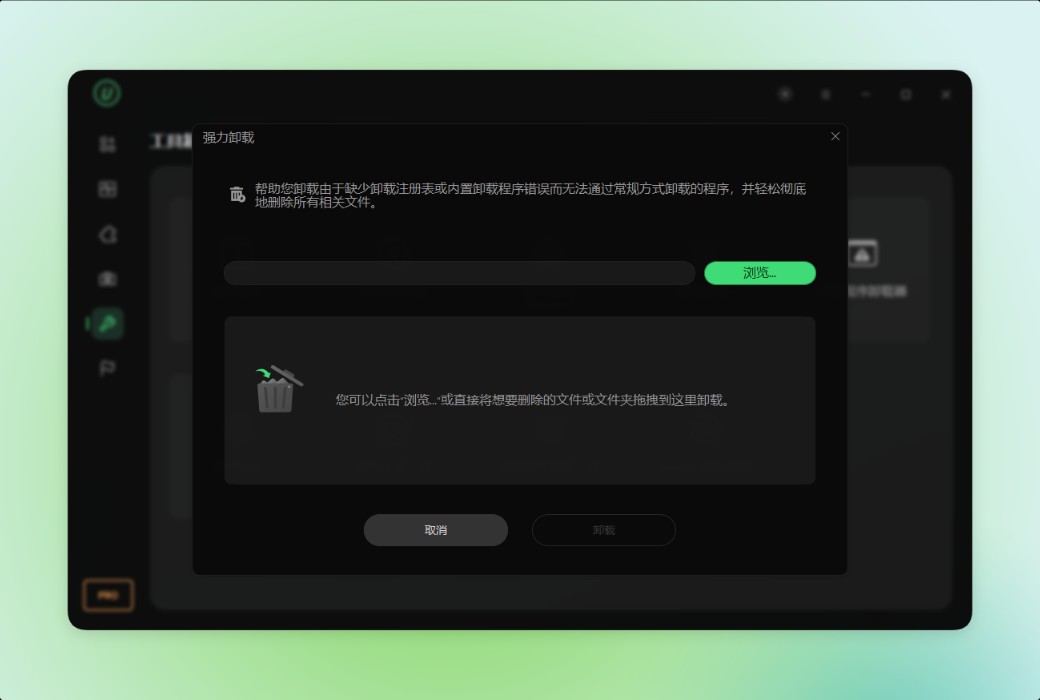
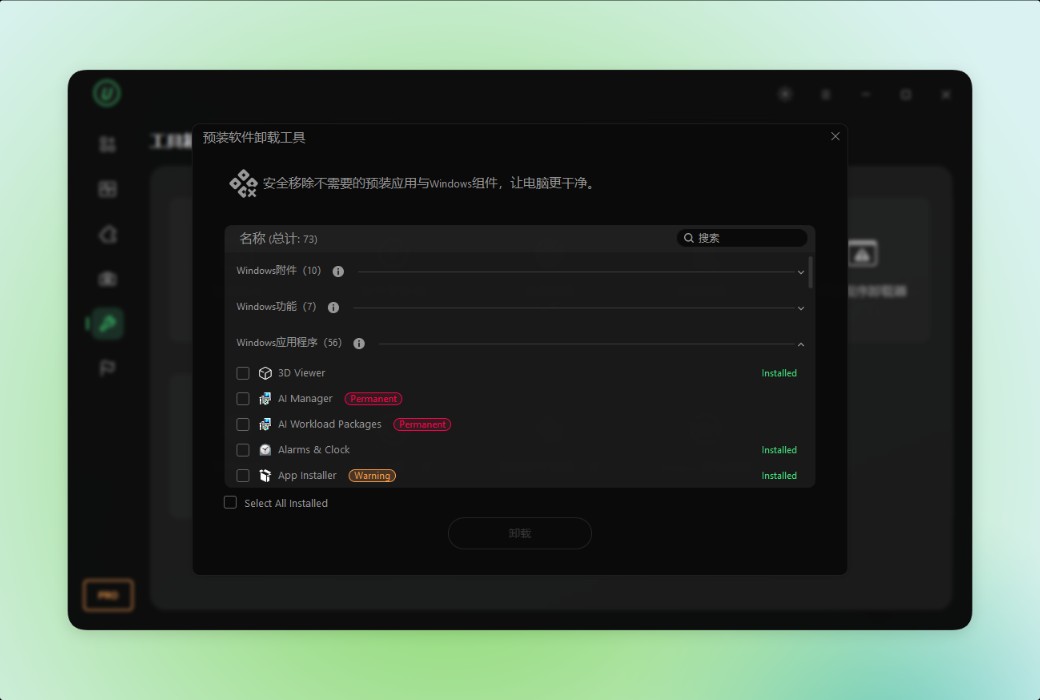
IObit Uninstaller can thoroughly remove unwanted software from Windows, Microsoft Store, and third-party sources. Now, Microsoft Edge, OneDrive, Copilot, and other preinstalled software can also be cleaned up. It accurately detects and removes various stubborn programs, bundled software, and hidden items. All associated residual files, including temporary files, registry entries, executable files, and configuration files, are thoroughly cleaned up. With this powerful Windows uninstaller tool, easily keep your system clean, secure, and running at its best.
Delay-Free Safe Internet Surfing
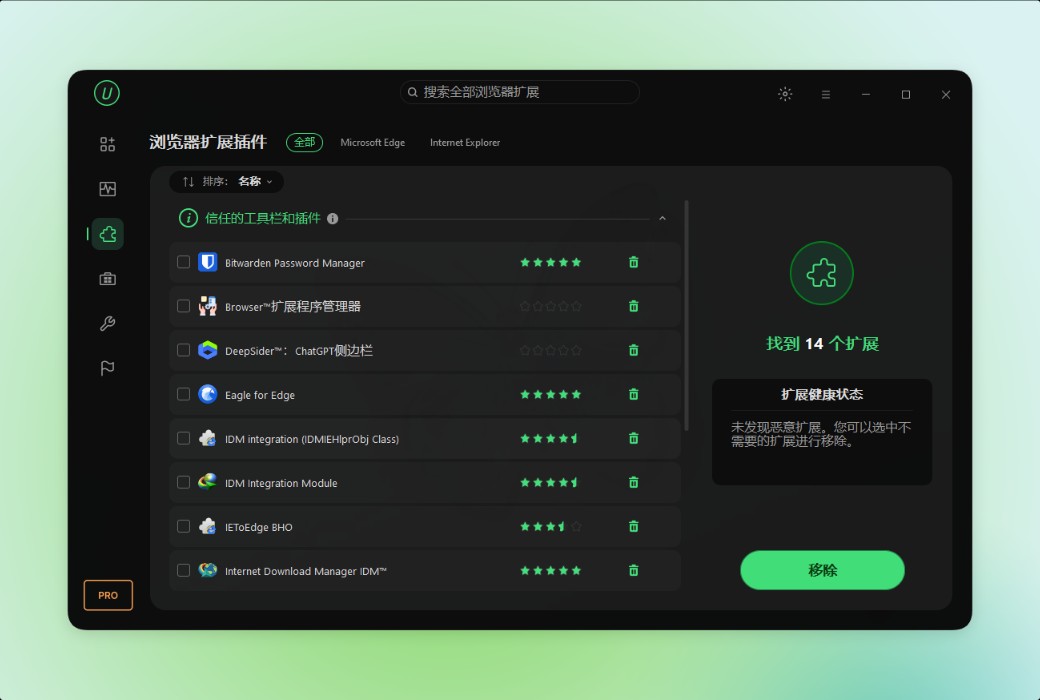
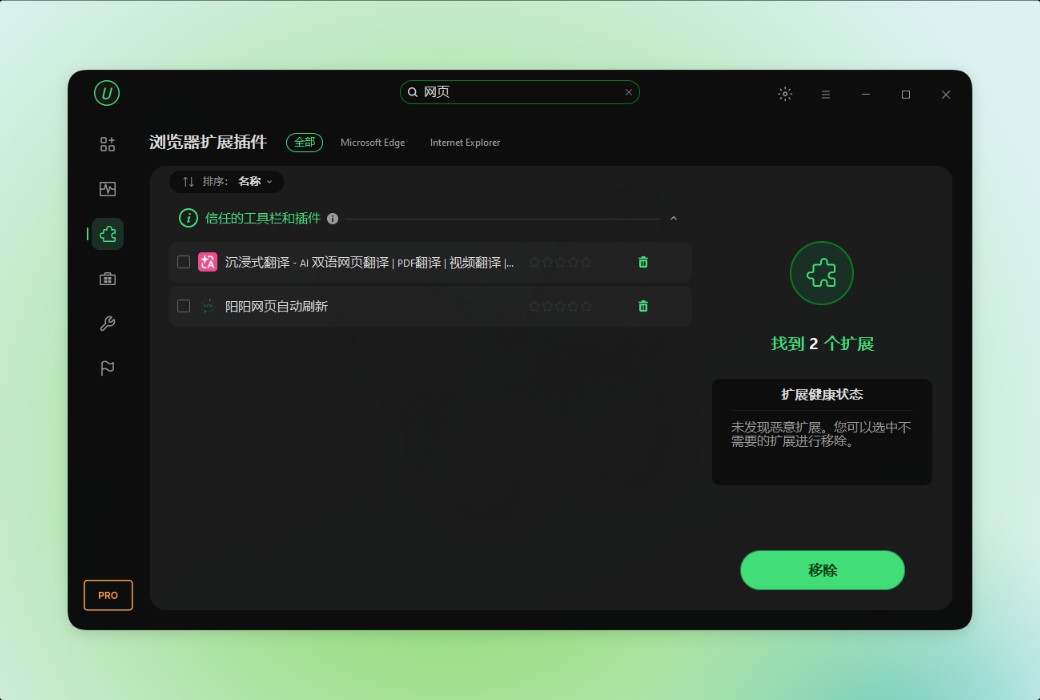
IObit Uninstaller 16 Free Edition also serves as a powerful browser extension manager and uninstaller tool for Windows users. Relying on a vast database, IObit can identify extensions for Chrome, Firefox, Edge, and Internet Explorer, allowing you to manage them in one place. You can check whether the installed plugins are trustworthy and uninstall them at any time. To enhance your security and privacy in the digital space, this PC uninstaller tool also supports blocking spam notifications and pop-ups.
Real-Time Installation Monitoring
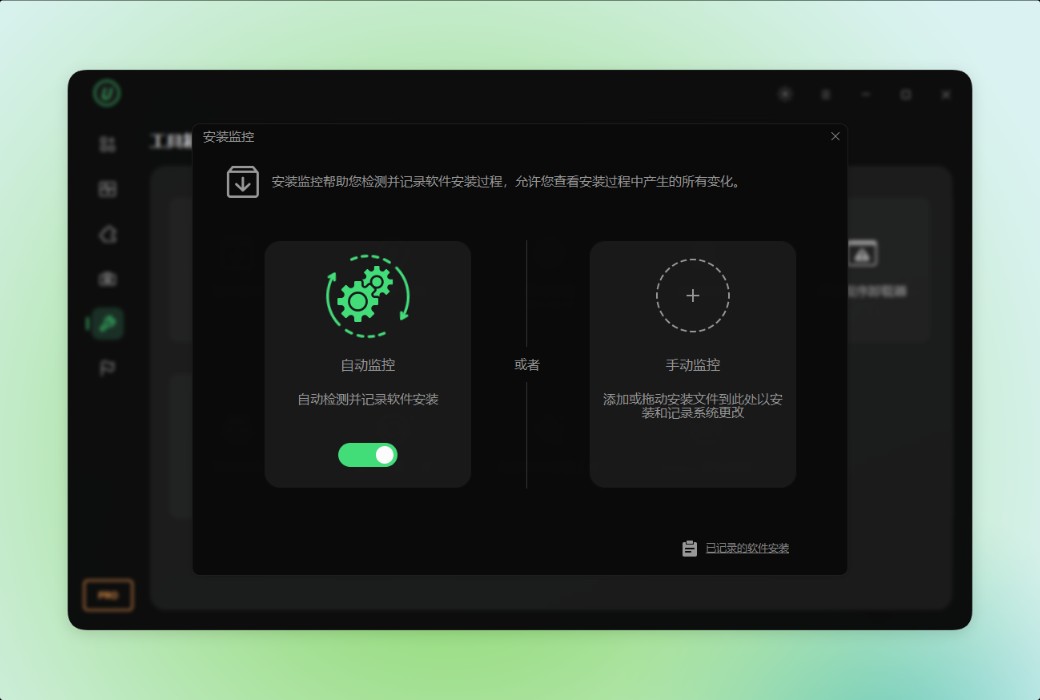
Protect your computer system during every installation process with IObit Uninstaller Free Edition. It tracks all changes made by the installer to the system and provides detailed logs. You can drag the installation file to the free uninstaller to view the modifications, or launch the advanced automatic mirror to traverse the entire computer. If any modifications are found to be unnecessary or inappropriate, IObit provides an option to easily uninstall the related programs.
Healthy Software, Making Your Computer Better
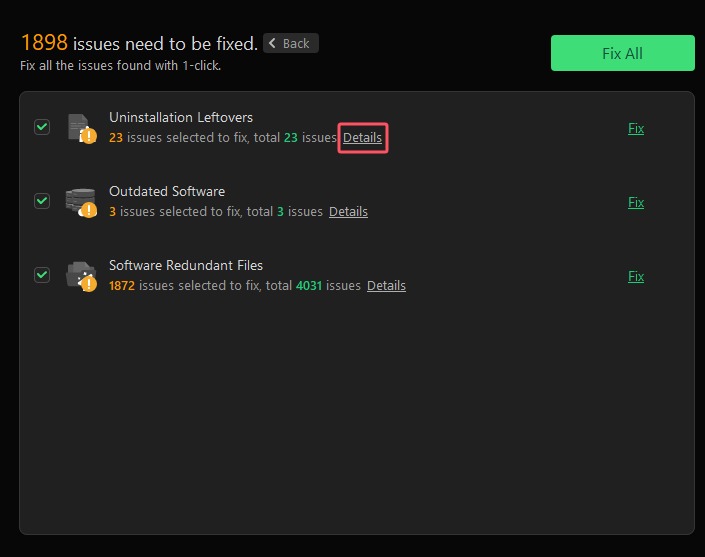
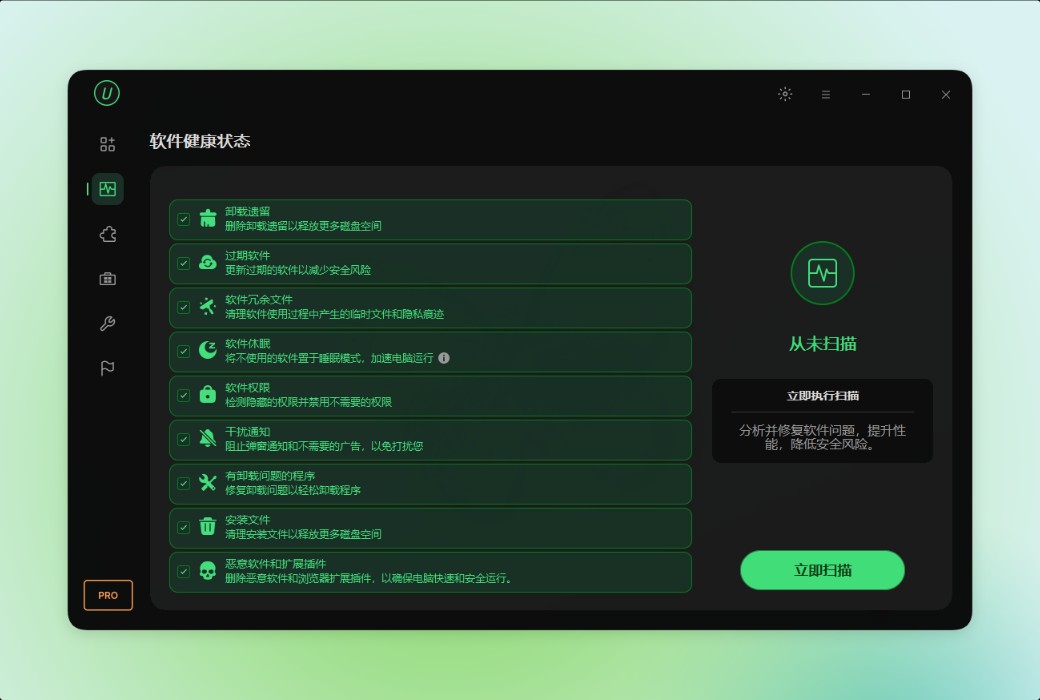
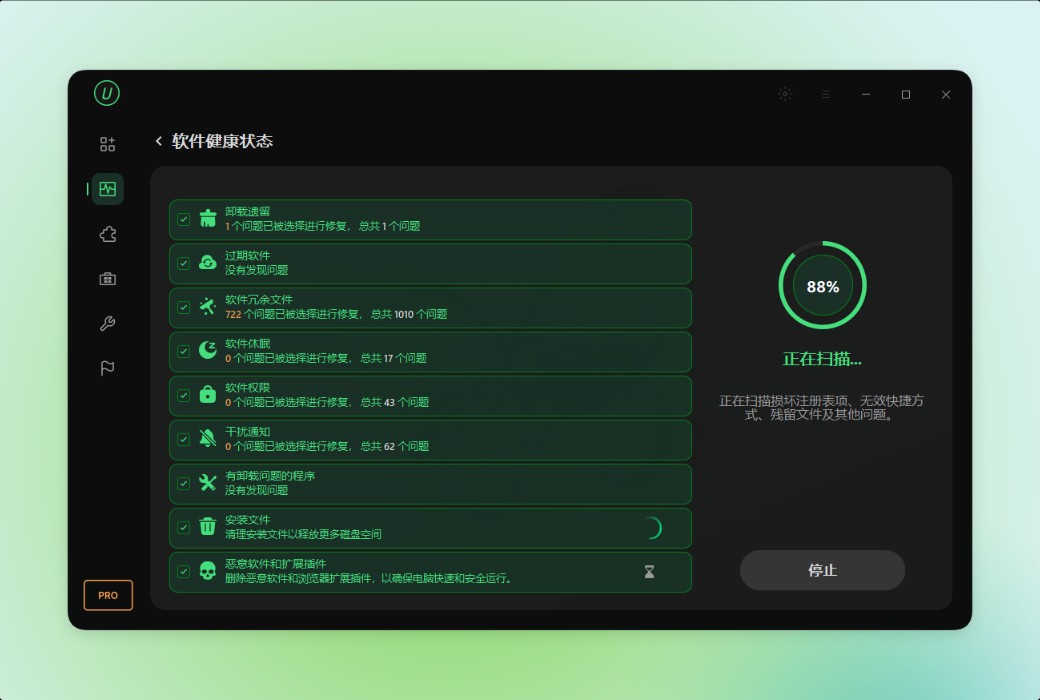
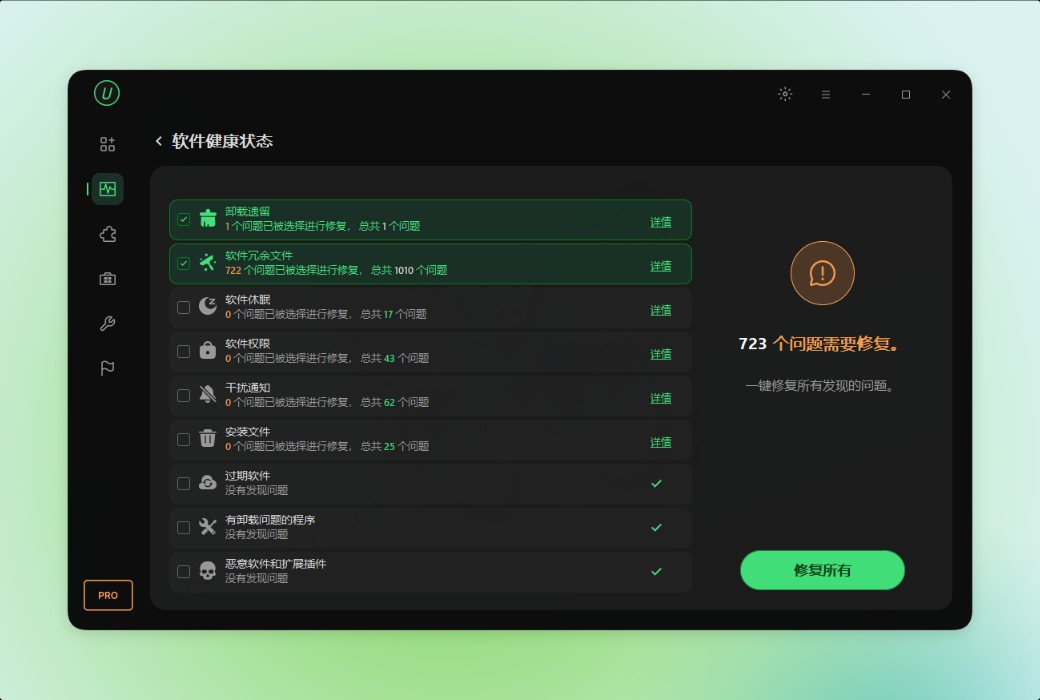
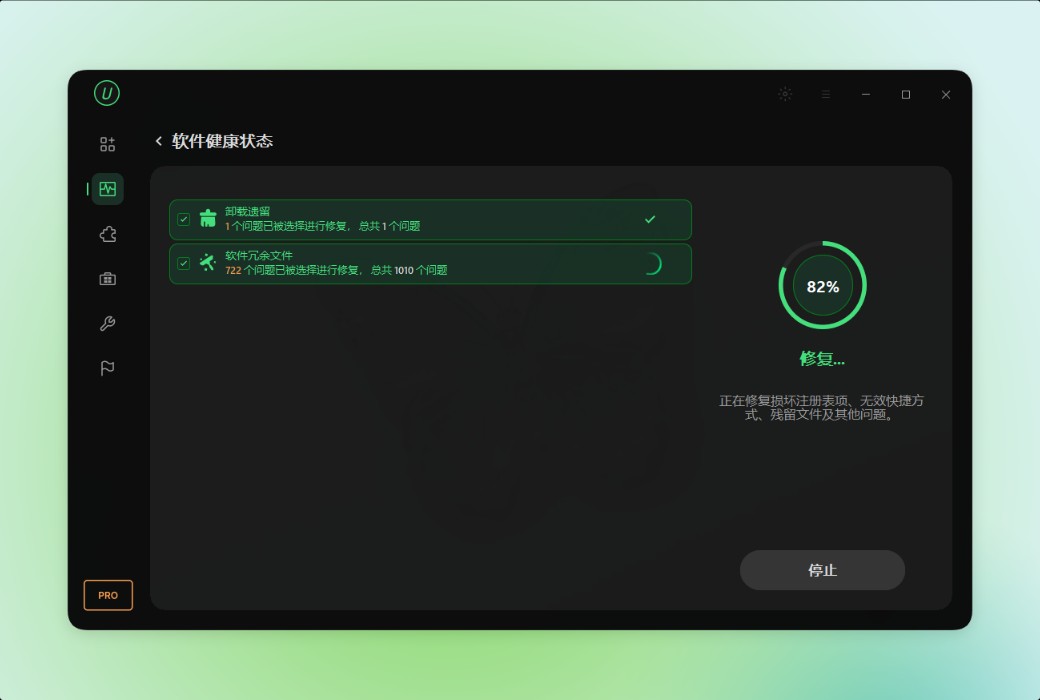
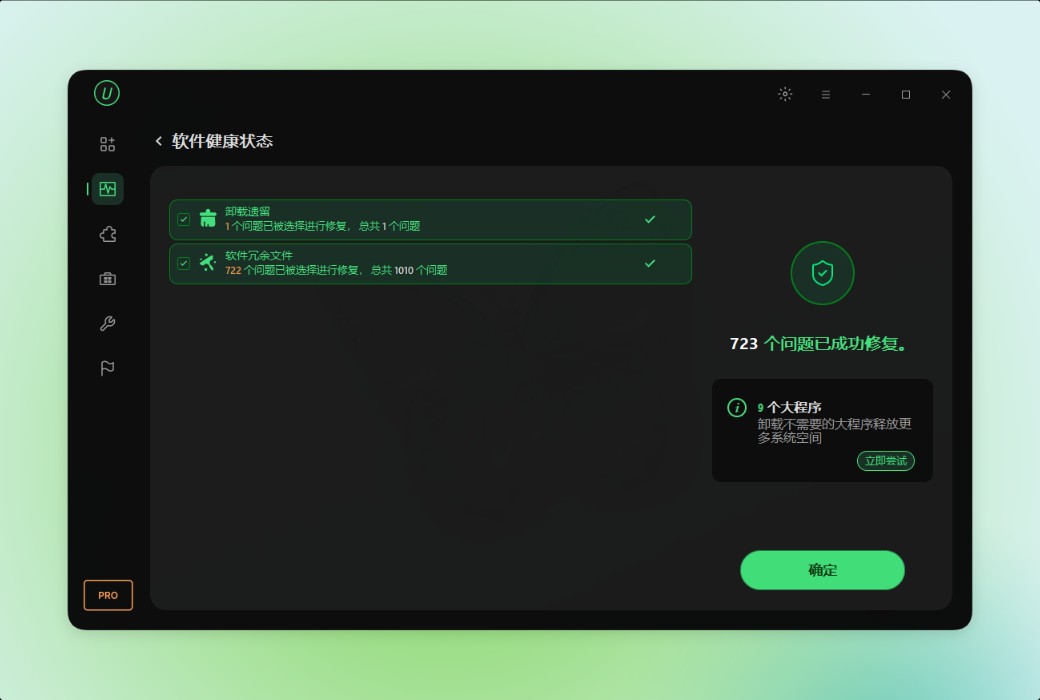
IObit Uninstaller is a one-stop solution for managing software health. With just one-click scanning, it can discover outdated software, uninstall remnants, redundant files, dormant software, unauthorized permissions, intrusive notifications, and other issues affecting system health.
.Official Website:https://www.iobit.com/en/advanceduninstallerpro.php
Download Center:https://iobit-uninstaller-pro.apsgo.cn
Delivery Time: Automatic delivery within 24 hours
Operating Platform: Windows
Interface Language: Supports Chinese interface display, with multiple languages available.
Update Instructions: Subscription version has unlimited updates, while the perpetual version only supports minor version updates.
Trial Before Purchase: Free trial.
How to Receive the Product: After purchase, activation information will be sent to the email used for placing the order. You can also view the corresponding product activation code in your personal center, under "My Orders".
Number of Devices Supported: One PC supports one device; 3PCs support 3 devices.
Changing Computers: Uninstall on the old computer and activate on the new one.
Activation Guide: To be added.
Special Instructions: To be added.
References:https://www.iobit.com

Any question

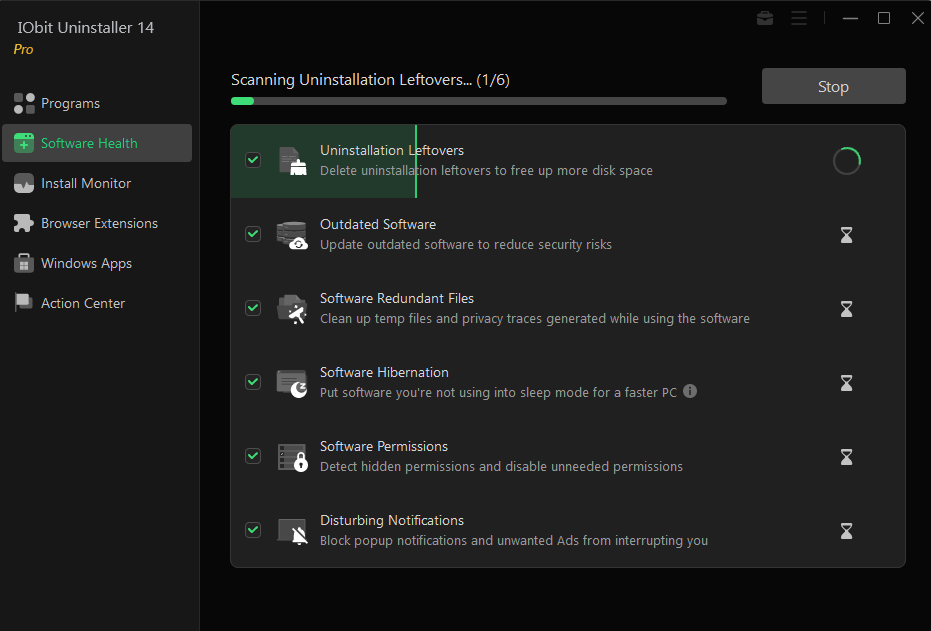
Transform all your software to run more smoothly and reduce security risks.
This module consists of 9 parts:Uninstall remaining parts, outdated software, redundant software files, software hibernation, software permissions, unsettling notifications, uninstall problematic programs, installation files, as well as malicious software and extensions.
-Unload remaining portion: Remove the remaining portion to free up more disk space.
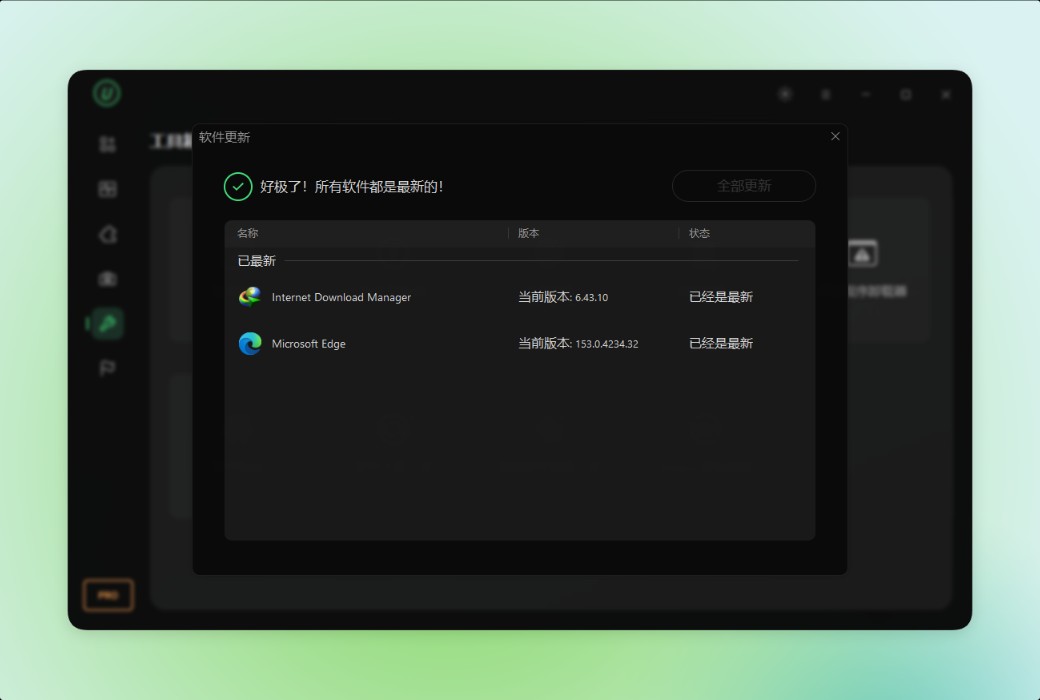
-Outdated software: Update outdated software to reduce security risks.
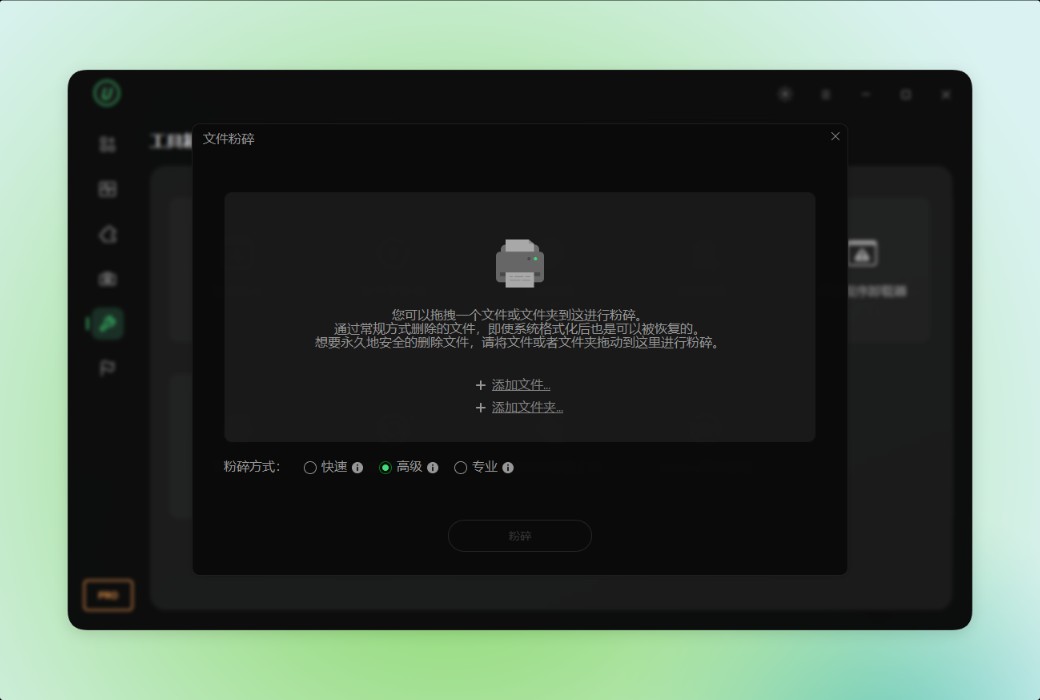
-Software redundancy files: Clean up temporary files and privacy traces generated when using software.
-Software sleep: Put unused software into sleep mode for a faster PC.
-Software Permissions: Detect hidden permissions and disable unnecessary permissions.
-Annoying Notice: Block pop-up notifications and unwanted ads from disturbing you.
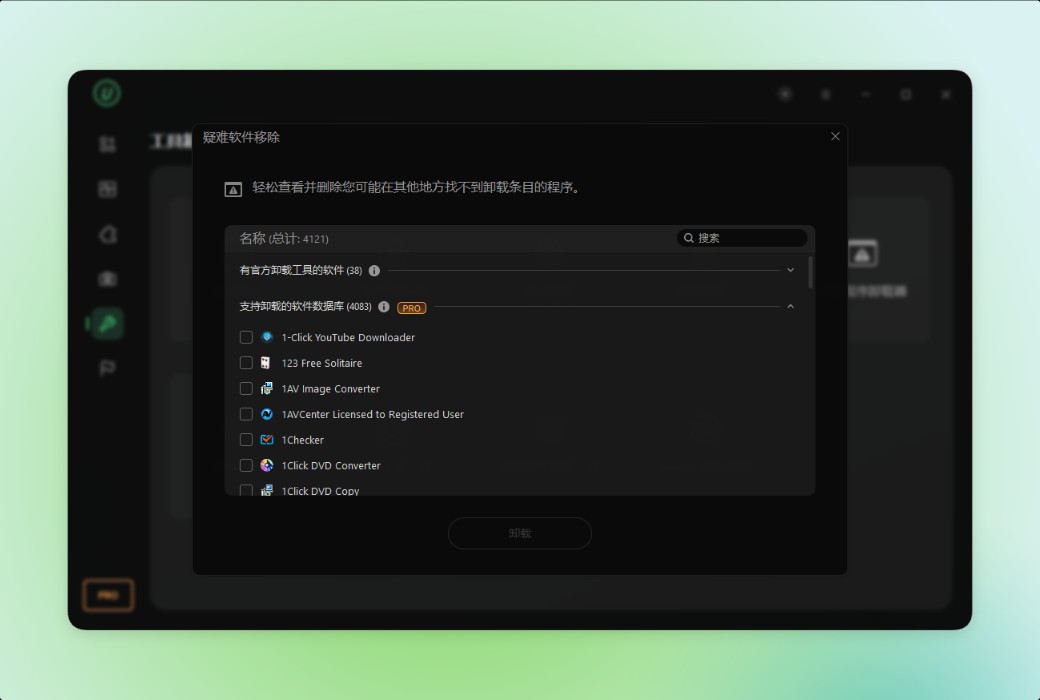
-Programs with uninstallation issues: Fix uninstallation issues to easily uninstall programs.
-Installation files: Clean up installation files to free up more disk space.
-Malicious software and extensions: Remove malicious software and browser extensions for a fast and secure PC.
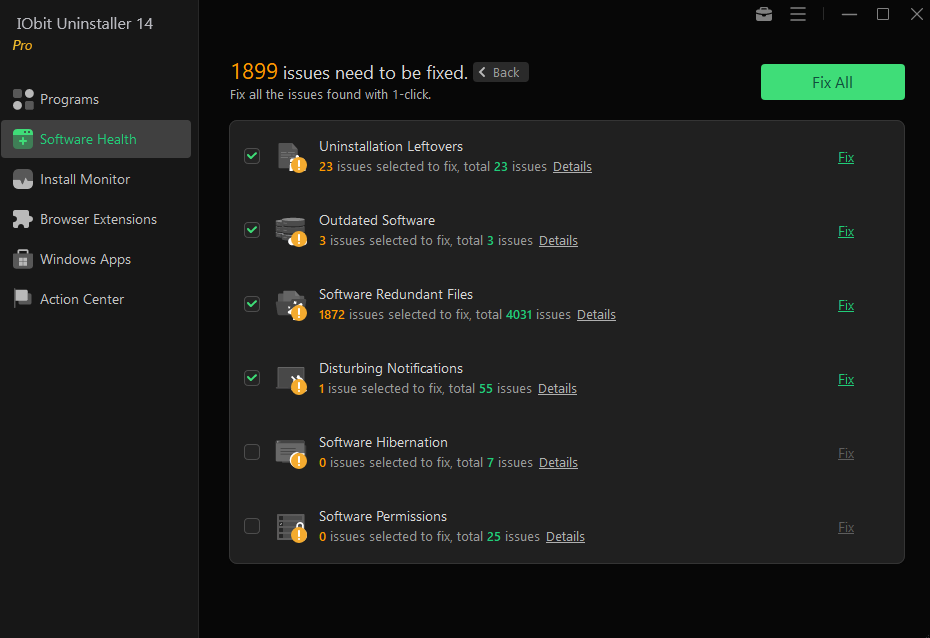
You can click on the Details link to further check the problem details before fixing it.